Documents
Letters, quotes, contracts and reports. With heading styles, tables, images, table of contents and tracked changes.
We use necessary cookies to make the site work. With your consent we also measure which ads lead to an order. You choose. Privacy statement

Create and edit documents, spreadsheets and presentations in your browser, together with your team. Word, Excel and PowerPoint files stay exactly as they are, and everything is stored on our own servers in the Netherlands.
Euro-Office is a full-featured office suite for text documents, spreadsheets and presentations. You open it directly from your Nextcloud: click on a file and you're ready to work. No installation needed, and it works on any computer with a browser.
Euro-Office is open source and built for the files you use every day. A quote from Word, a budget from Excel or a presentation from PowerPoint: they open just as they were made, with tables, headings, formulas and charts.
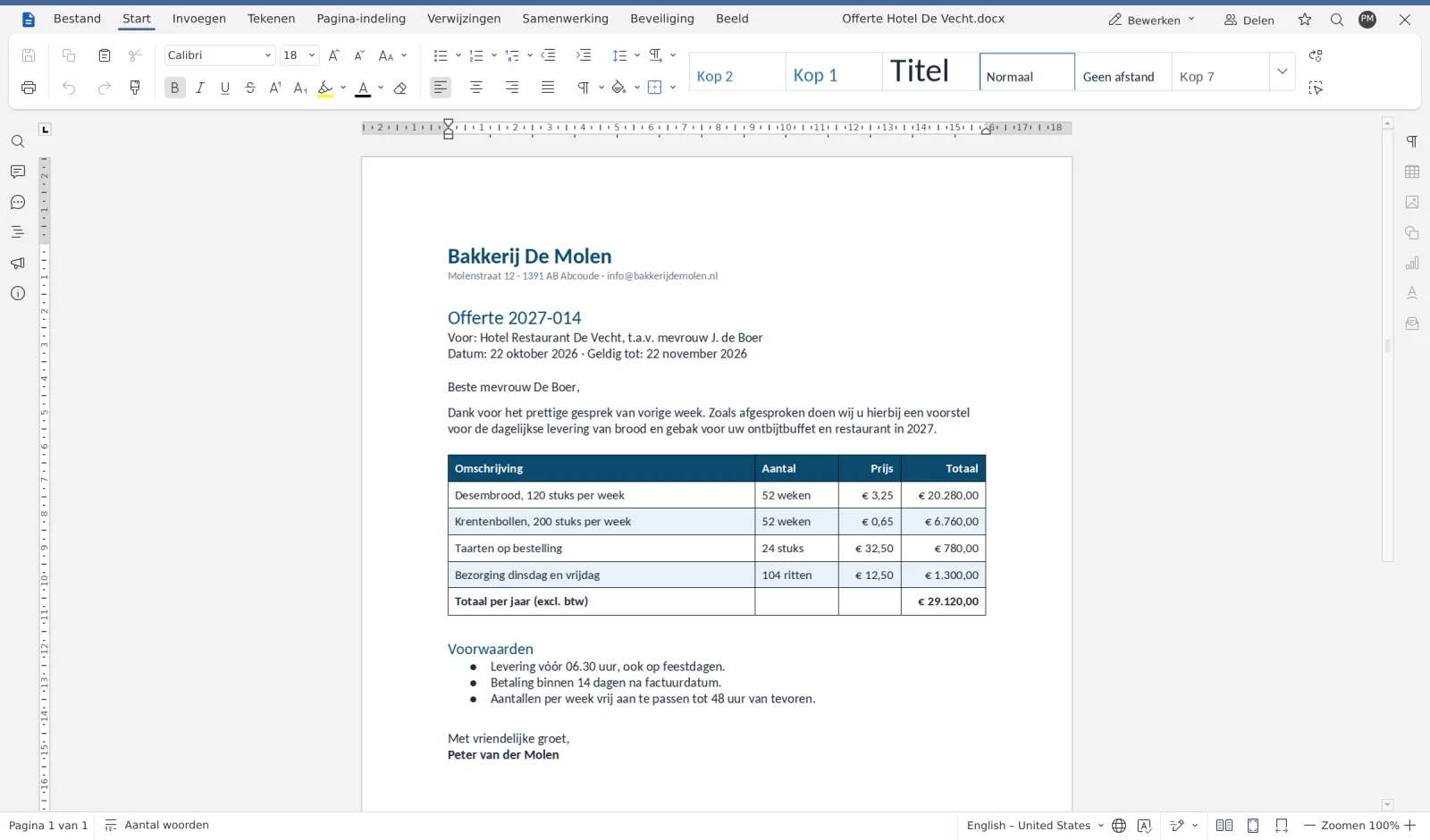
Letters, quotes, contracts and reports. With heading styles, tables, images, table of contents and tracked changes.
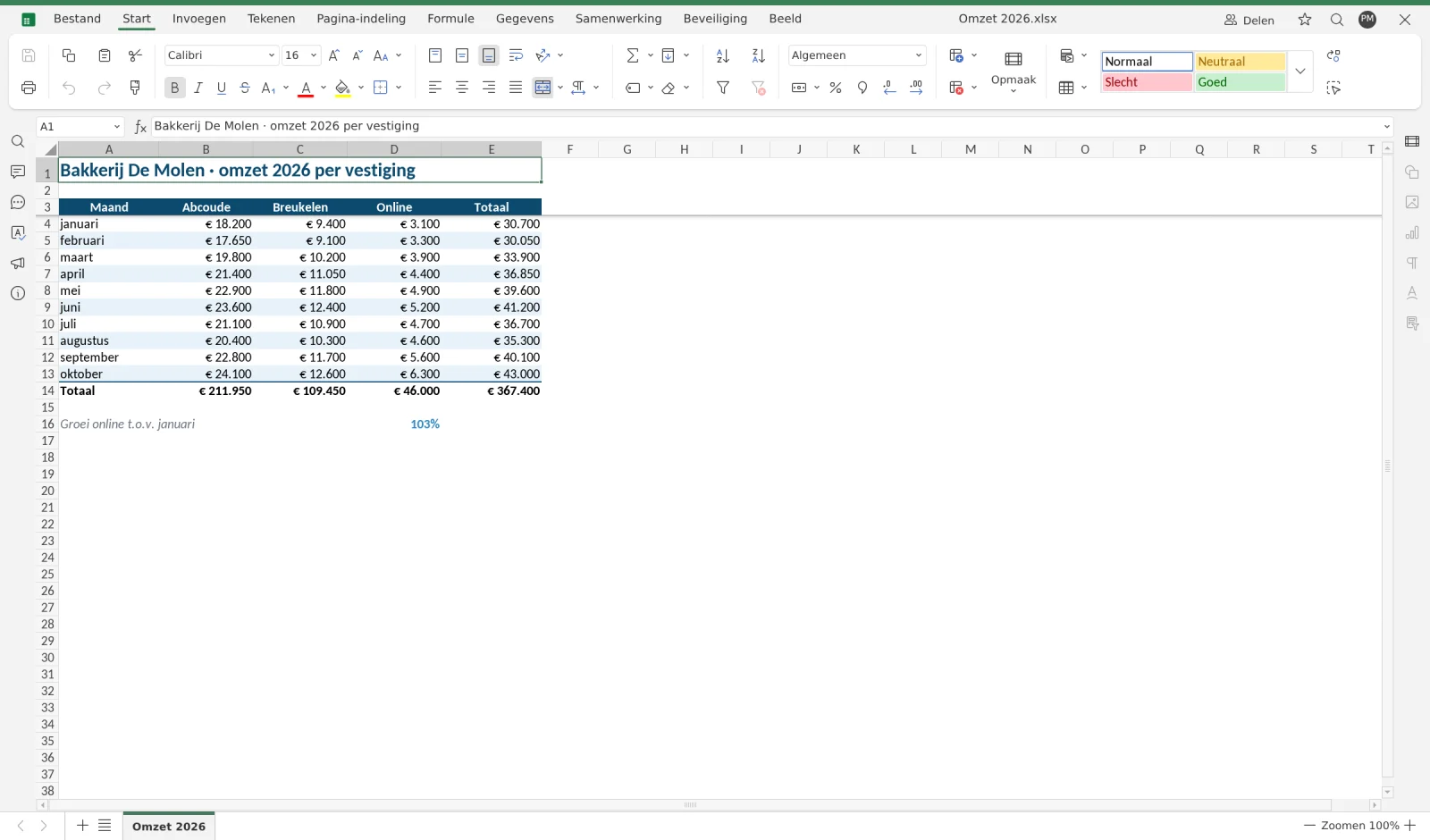
Budgets, schedules and overviews. With formulas, filters, charts, conditional formatting and multiple worksheets.
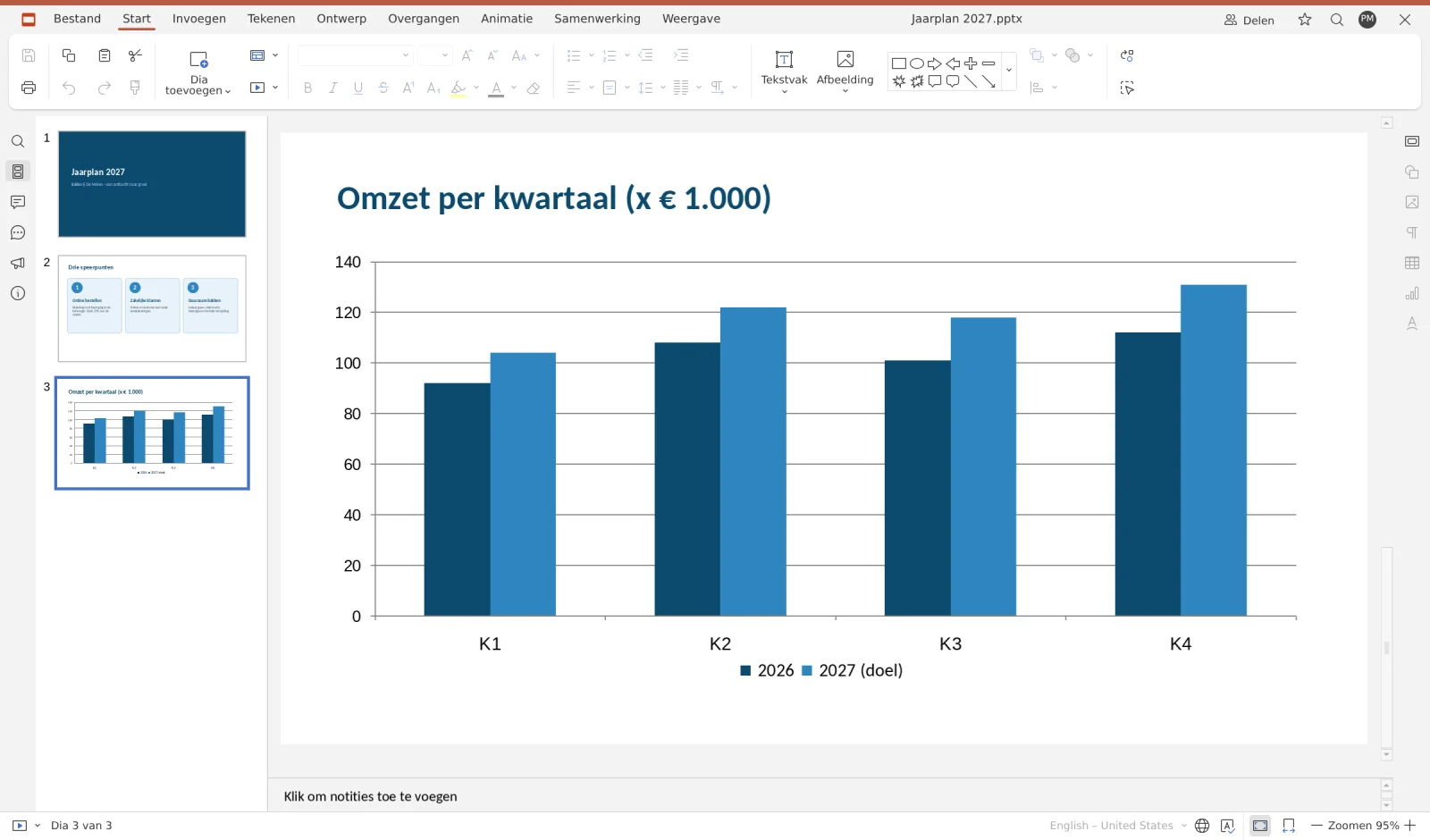
Presentations with themes, transitions, charts and notes. Present directly from your browser.
Files from clients and suppliers open in the formatting of Word, Excel and PowerPoint. No shifted tables or missing headings.
Tabs like Home, Insert and Page Layout, with style profiles alongside. Anyone who works with Office can get started without any explanation.
Work simultaneously with colleagues in the same document, with comments, tracked changes and a chat. Everyone sees right away what the other is doing.
Euro-Office is open source and runs with us in the Netherlands. Your documents don't go to an American cloud.
Your files, shared folders, versions and trash are all in one place. Sharing via a link or with colleagues works just like you're used to.
We take care of the server, updates and security. You don't need to install or maintain anything.
Google Docs and Microsoft 365 are strong products. Euro-Office offers the same basics for working comfortably, with one big difference: you keep control over your files.
| Euro-Office at WebOké | Google Docs | Microsoft 365 | |
|---|---|---|---|
| Documents, spreadsheets and presentations in the browser | Yes | Yes | Yes |
| Work together in one document at the same time | Yes | Yes | Yes |
| Comments and tracked changes | Yes | Yes | Yes |
| Works with Word, Excel and PowerPoint files | Yes | Yes | Yes |
| Files on servers of a European company | Yes | No | No |
| Provider does not fall under American legislation | Yes | No | No |
| Open source software | Yes | No | No |
| Part of your own Nextcloud | Yes | No | No |
Comparison in broad strokes, October 2026. Google Docs and Microsoft 365 are brands of their owners.
Euro-Office works in every Nextcloud package from WebOké with Office Suite licenses.
Per user, you activate an Office Suite license in My WebOké. You only pay for who actually uses the office suite.
Click on a document, spreadsheet or presentation in Nextcloud, or choose New. It opens directly in Euro-Office.
Already have a Nextcloud with us? Go to My Products in My WebOké and start the update to Euro-Office from your Nextcloud package.
To My Products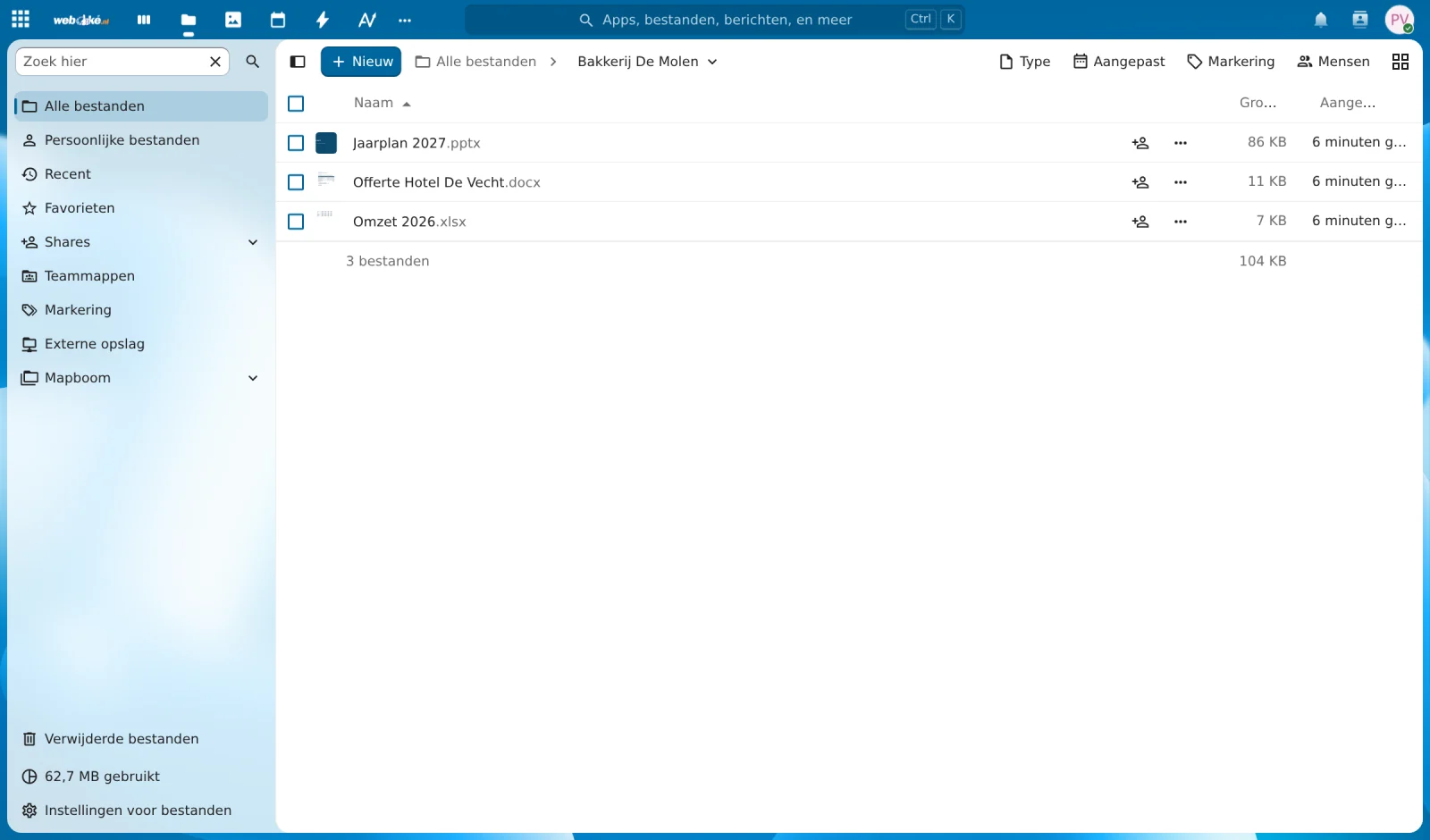
Euro-Office is a full-fledged, open source office suite for documents, spreadsheets and presentations. At WebOké it's included in your Nextcloud and runs on our own servers in Europe.
Yes. In the Euro-Office manual you can read step by step how to create, collaborate on, and share documents, spreadsheets, and presentations. It's available in all 23 languages of WebOké.
Yes. Euro-Office works directly with .docx, .xlsx and .pptx and keeps the formatting as it was created. It also opens .odt, .ods, .odp, .csv and pdf.
No. Euro-Office works completely independently in your browser. You only need your Nextcloud at WebOké.
In your own Nextcloud, on WebOké's servers in Europe. Euro-Office also runs at our location, so your documents don't go to an American cloud.
Yes. You work in the same file at the same time and see each other's changes instantly. Comments, tracked changes and a chat are included.
Euro-Office is included in the Office Suite license of your Nextcloud package. You choose yourself how many users you take a license for. You can see the prices with the Nextcloud packages.
Start the update to Nextcloud 35 with Euro-Office from your Nextcloud package in My Products. This usually takes 5 to 15 minutes. If you do nothing, we will switch you over by December 1, 2026 at the latest.
Choose a Nextcloud package with Office Suite licenses, or read the manual to find out how to get the most out of Euro-Office.
Your personal hosting assistant